
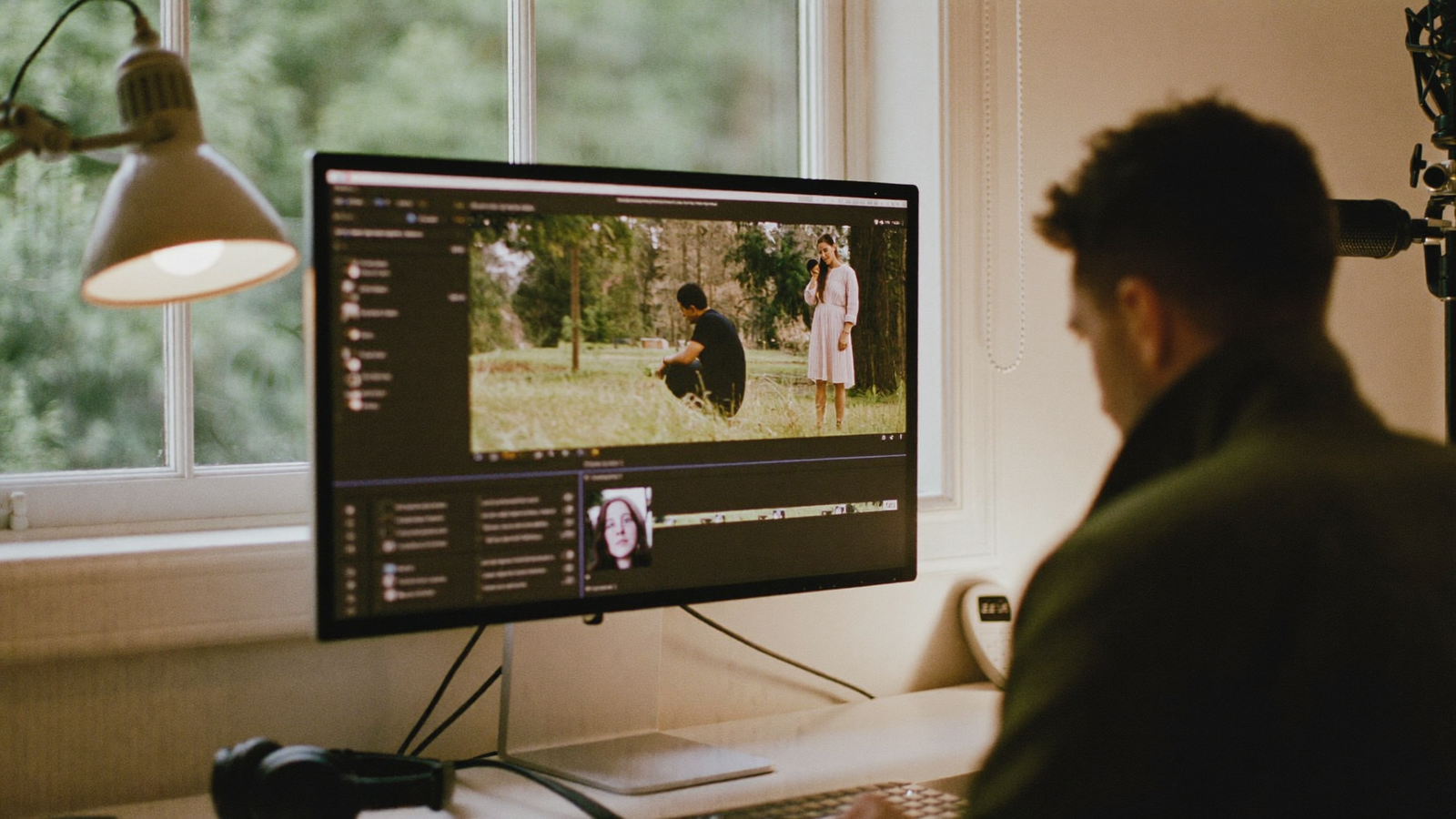
Most businesses record their video podcast on Riverside, Squadcast, or a similar remote platform, then hand the files to a post-production team. What happens between that handover and the finished episode is often a mystery.
Understanding the workflow matters. It helps you understand what you are paying for, why turnaround times are what they are, and what you can do during recording to make the editor's job easier.
What you start with
When a recording session ends on Riverside, the platform produces separate audio and video files for each participant. This is deliberate: rather than capturing a single mixed output, Riverside records each speaker locally on their own device, then uploads those files after the call ends. This approach preserves audio and video quality even on slower or unstable connections.
What arrives in the project folder is not a finished recording. It is a set of raw ingredients: individual video files for each participant, individual audio tracks, and sometimes a mixed reference file. A two-person, hour-long episode typically generates four to six separate files before any editing begins.
The files are clean, but they are not watchable yet. This is where post-production starts.
Ingest, sync, and review
The first job is to ingest all source files into an editing project and confirm they are correctly synchronised. Even with a clean Riverside session, files can drift slightly out of sync over a long recording, a known behaviour of distributed recording that requires a manual correction pass. This typically takes fifteen to twenty minutes.
After sync is confirmed, the editor reviews the full recording. This is not passive listening.
It is active note-taking: identifying where the best takes are, flagging false starts or technical issues, marking moments that could become social clips. For a forty-five-minute episode, this review pass alone takes sixty to ninety minutes. Not because editors are slow, but because it requires concentration to find what is worth keeping and make decisions that will shape the rest of the edit.
The multicam edit
A professional video podcast does not broadcast a single static camera angle for the full runtime. The edit moves between participant angles, cuts to a wide shot during natural transitions, and trims or removes passages that slow the episode down: repeated points, long pauses, false starts, tangents that did not land.
For a remotely recorded show, the editor is working with each participant's camera footage as separate tracks. This is the multicam workflow. The editor decides, shot by shot, which speaker to show at each moment.
When a guest is speaking, do you cut to them? Or hold on the host's reaction, which might be more interesting? When both participants overlap briefly, which track do you feature?
These decisions happen hundreds of times across a single episode. They are not automated.
AI-assisted tools can suggest cuts based on audio activity. They do not understand editorial pacing, visual composition, or the emotional logic of a conversation. The editor does.
This stage takes two to three hours for a well-recorded hour-long episode. Longer if the recording had technical interruptions or required structural reorganisation.
Audio treatment
Remote recording preserves audio quality compared to an in-app call, but it does not deliver broadcast-ready sound. Each participant's track carries the acoustic fingerprint of their recording environment: the reverb of a home office, the low hum of a laptop, the irregular background noise that a webcam or desktop microphone picks up.
A professional audio pass applies noise reduction, equalisation, compression, de-essing, and loudness normalisation to each track separately. The goal is a consistent, clean sound that holds across earbuds, car speakers, and laptop outputs.
This is not cosmetic. Audio quality is the primary reason listeners abandon a podcast episode within the first few minutes.
A clean mix is not a luxury. It is the baseline that keeps the audience present.
Audio treatment typically takes thirty to sixty minutes per episode. Significant acoustic problems, including persistent reverb, hum, and clipping, take longer and may limit what is recoverable.
The visual layer
The edit handles pacing. The visual layer handles identity. For a professional video podcast, this includes:
Lower thirds. Name labels and title cards that appear when speakers are introduced or the topic shifts. Built to match the show's brand fonts and colour palette.
Colour grade. A subtle pass that ensures both participants look visually consistent, even if they were recorded in different lighting conditions. Two people shot in different rooms, at different times of day, with different cameras will look like one coherent production after a good grade.
Thumbnail. A bespoke image for the episode, combining a still from the recording with the episode title and show branding. This is the first thing a viewer sees on YouTube or in a podcast app. A good thumbnail is designed, not cropped.
Trailer or teaser. A thirty to ninety second clip built from the most compelling moment in the episode. Its job is to earn the viewer's decision to watch the full thing. This requires a separate, short-form edit pass.
Portrait clips. Vertically framed extracts from the best moments of the episode, captioned for LinkedIn, Instagram Reels, and YouTube Shorts. These are not the main edit cropped and rotated.
Each clip has its own pacing, often tighter than the full episode, and requires individual captioning, which takes time to do accurately. A single episode typically yields three to five clips.
What the delivery looks like
When a production team delivers a finished video podcast episode, the client receives:
- A full-length episode exported for YouTube and podcast platforms
- Three to five portrait clips exported for social distribution
- A thumbnail file
- A trailer or teaser clip
- An audio-only export for podcast hosting on Spotify, Apple Podcasts, and similar
For a client recording remotely on Riverside who hands off to post-production, this is the standard package. The recording session, typically forty-five minutes to an hour, generates three to five hours of editing and finishing work.
That ratio surprises some clients. It should not.
The recording captures the conversation. The edit is what makes it worth watching.
Where the hours actually go
A rough breakdown for a forty-five-minute episode, remotely recorded, delivered to professional standard:
- Ingest, sync, and full review: 60 to 90 minutes
- Multicam edit and pacing: 90 to 150 minutes
- Audio treatment: 30 to 60 minutes
- Colour grade and lower thirds: 30 to 45 minutes
- Thumbnail: 30 to 45 minutes
- Trailer clip: 30 to 45 minutes
- Portrait clips, three to five: 45 to 75 minutes
- Exports and quality check: 20 to 30 minutes
Total: approximately five to seven hours for a single episode, delivered to the standard a professional audience expects. The recording session that produced all of this was forty-five minutes. The ratio surprises people. It should not.
The session captured the conversation. The edit is what makes it a programme. This is the work our podcast editing services cover at £400 per episode.
The bottom line
The Riverside session is the capture. Post-production is the programme. The files that come out of a remote recording session are raw material that requires significant craft to turn into something that holds an audience's attention across the full runtime.
Understanding this makes it easier to budget realistically, to brief editors usefully, and to plan release timelines that do not set post-production up to fail.
If you record your podcast remotely and want to understand what a professional post-production workflow looks like for your show, we are happy to walk through what is involved.